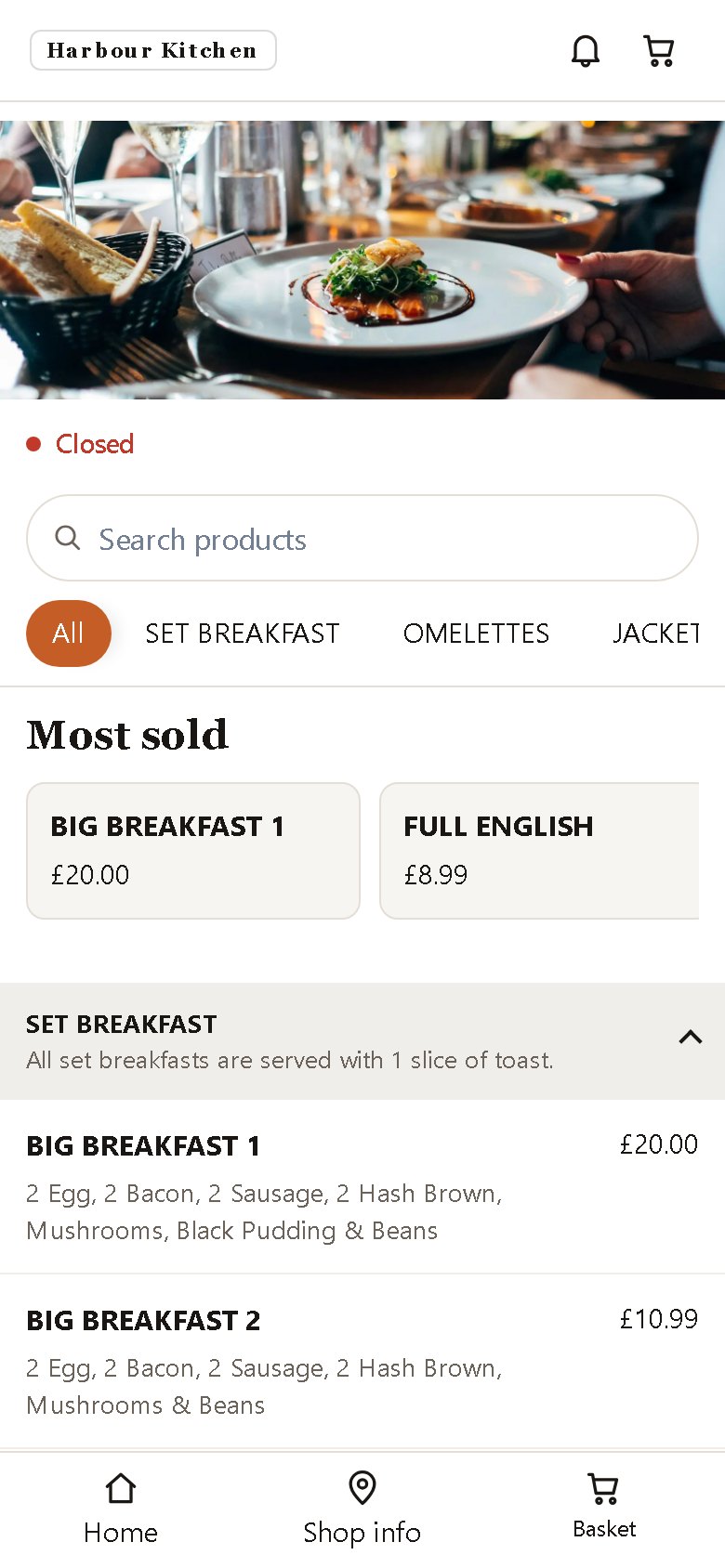
An ordering page that sells
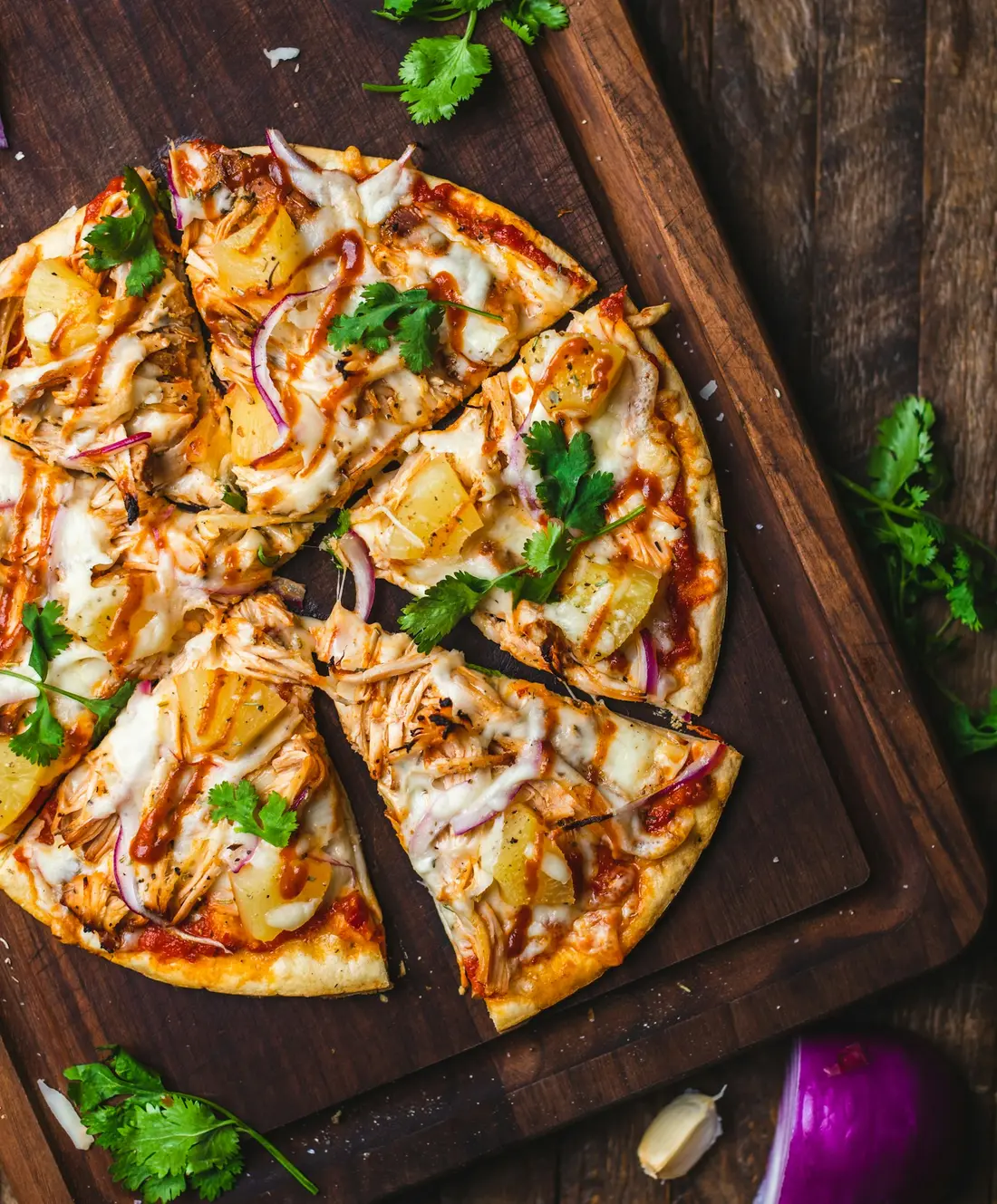
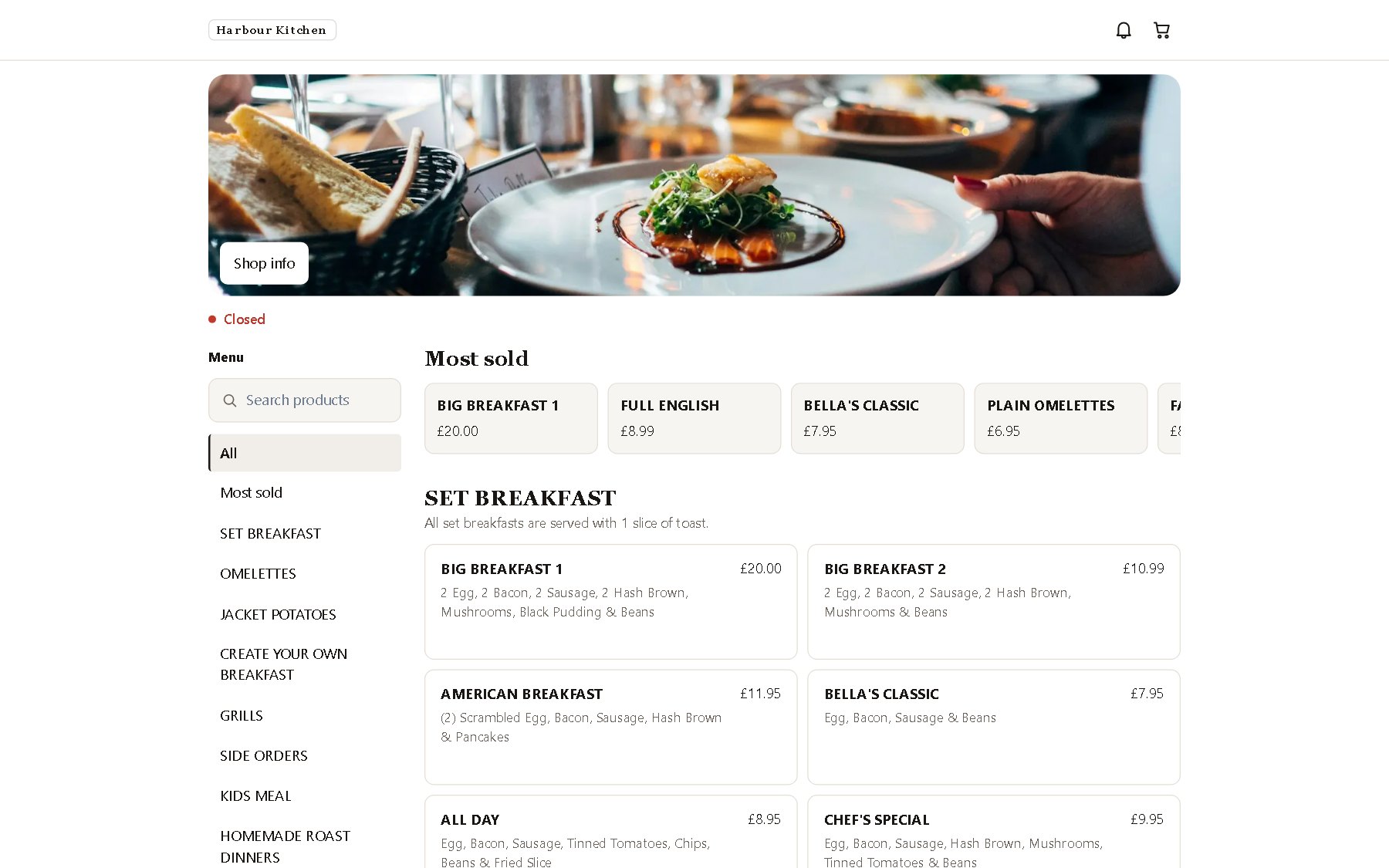
Photos, extras, allergens and offers. Guests order in their own language and pay how you allow.
Built for independent restaurants
Ordering page, website, table QR codes, your own app, a kitchen tablet and an EPOS till. One platform, your brand, and the money goes straight to your account.
The product
Built around a real Friday night: guests order without phoning, the kitchen sees every ticket, and you see every pound.
Photos, extras, allergens and offers. Guests order in their own language and pay how you allow.
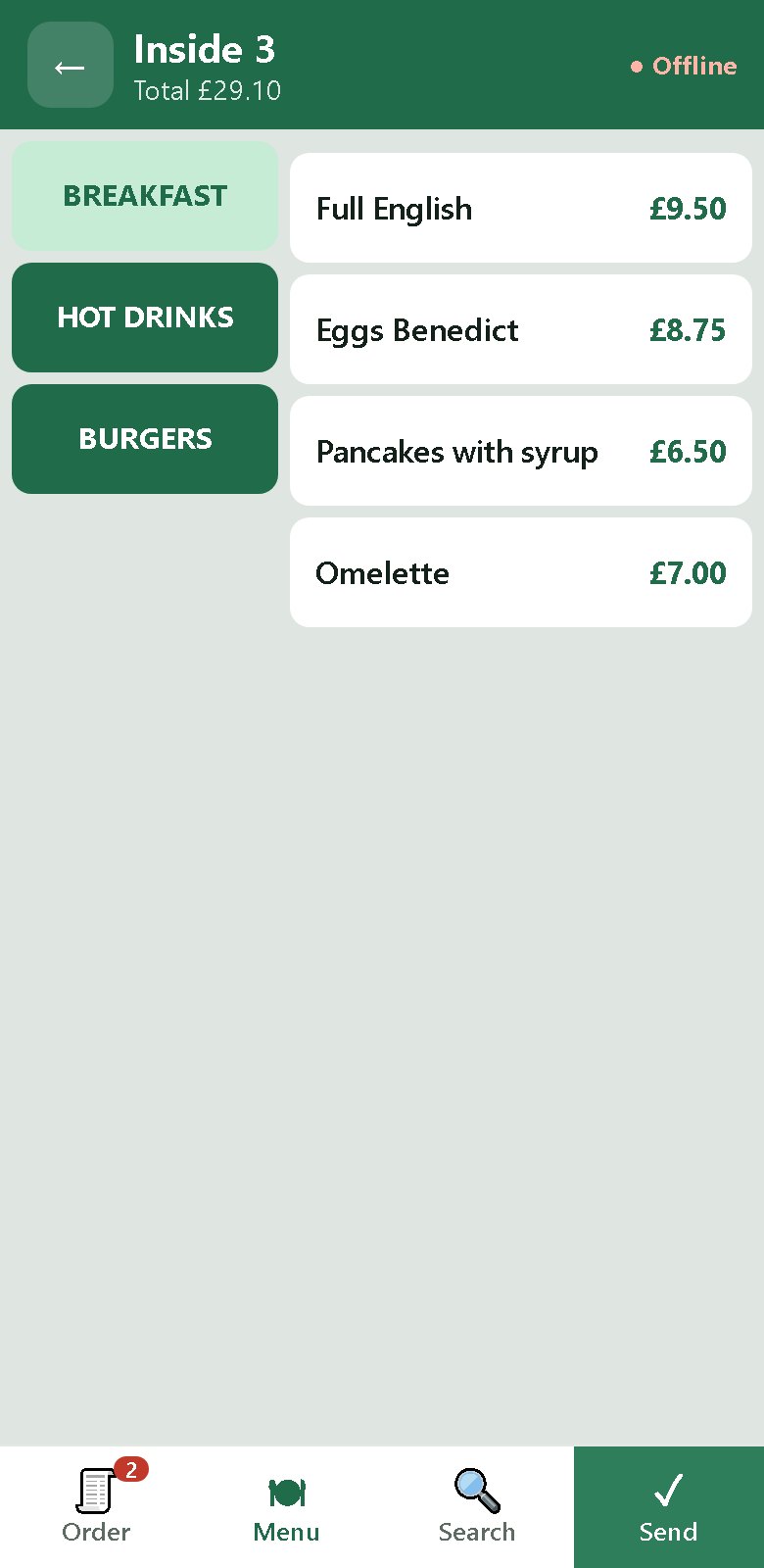
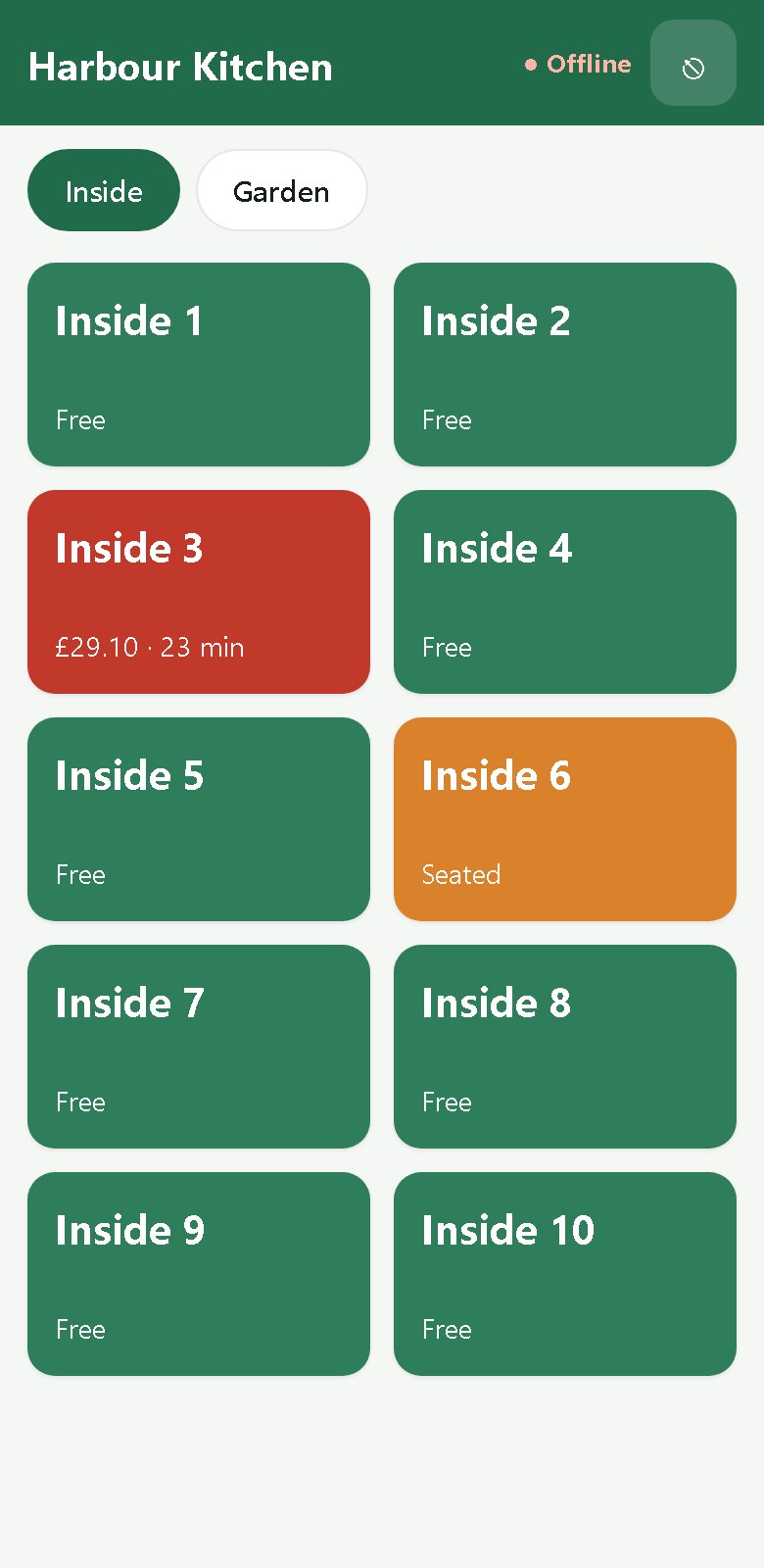
QR codes for every table and a waiter app that sends rounds straight to the kitchen.
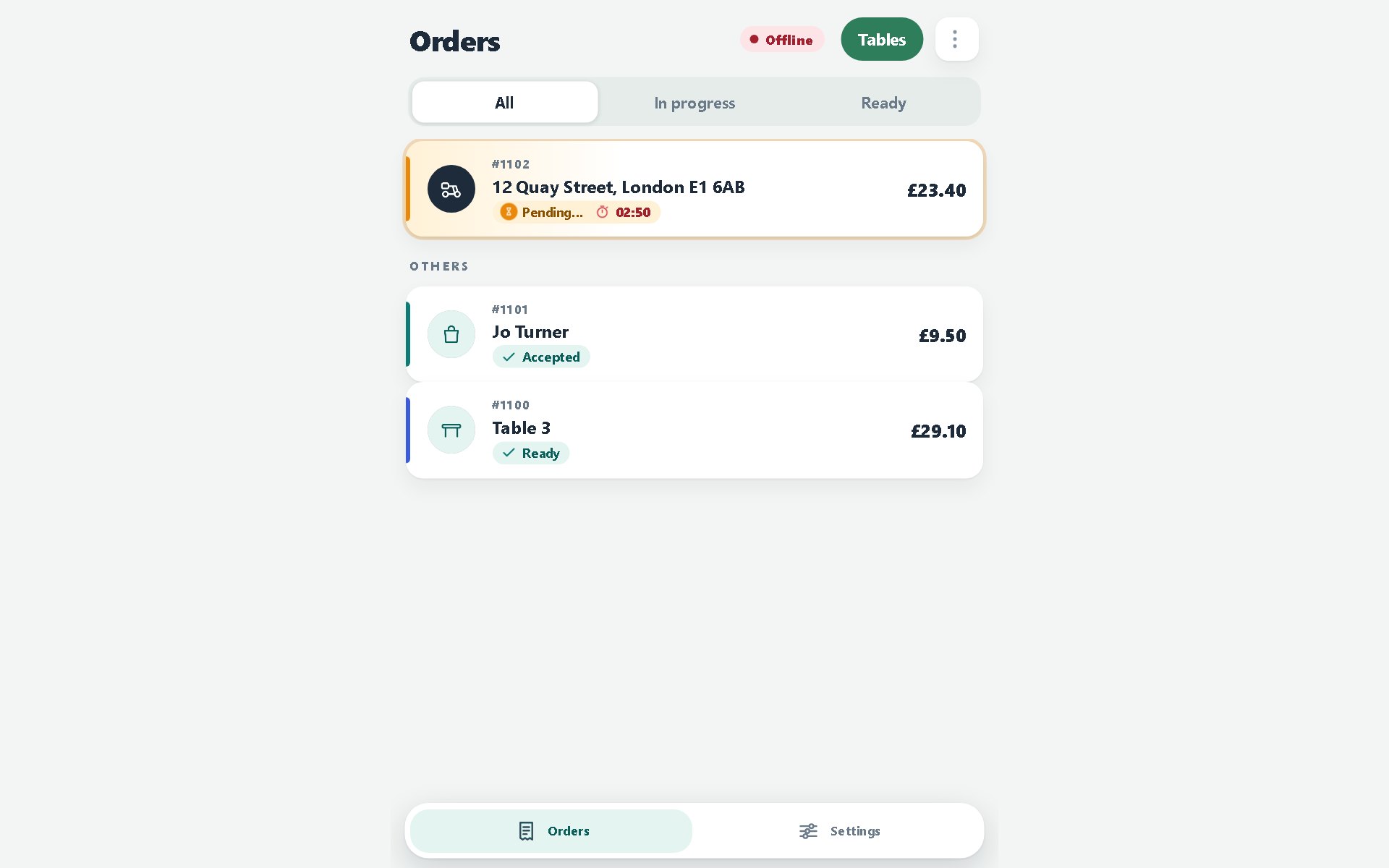
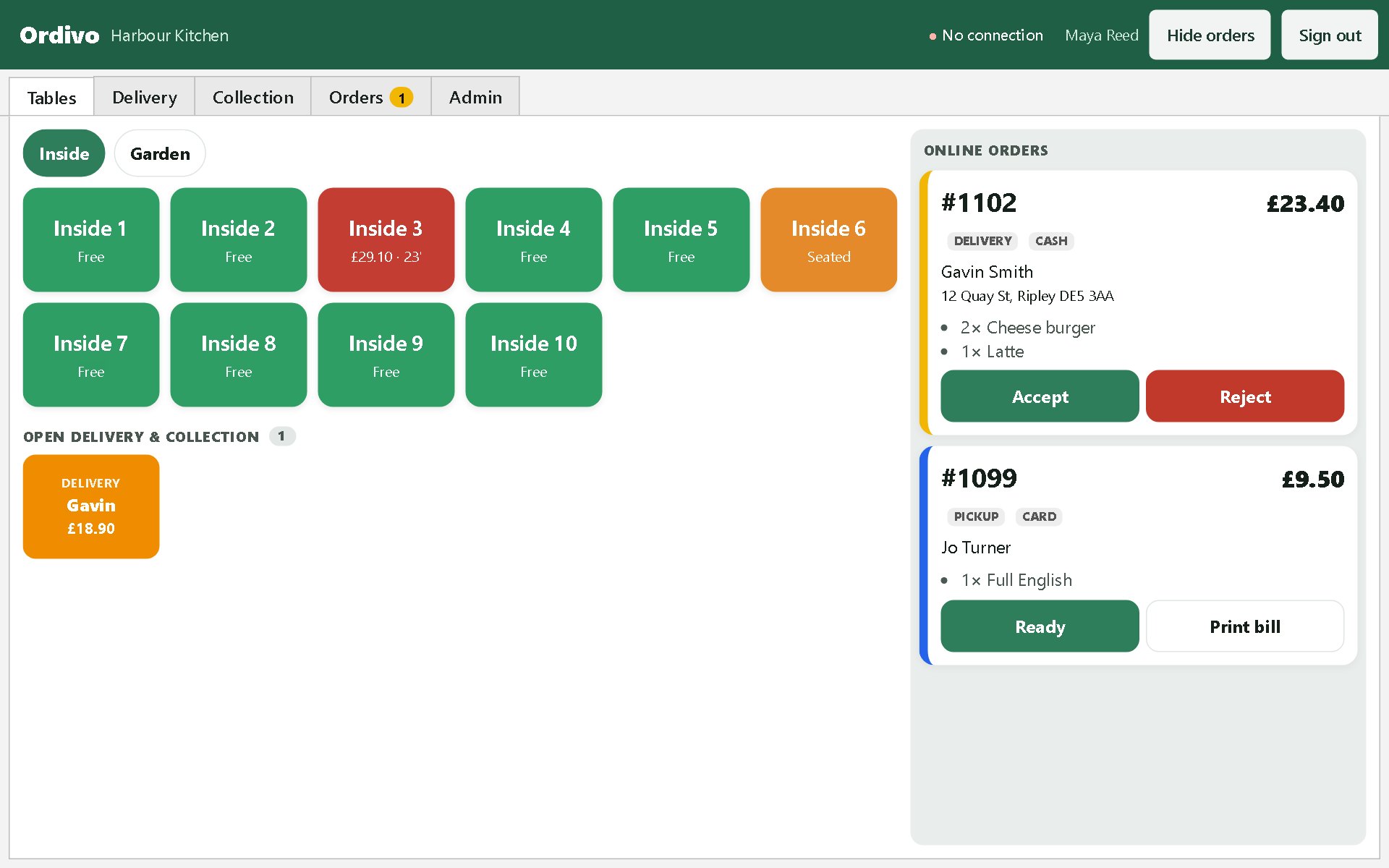
The tablet rings until someone accepts, then the ticket prints on your own printer.
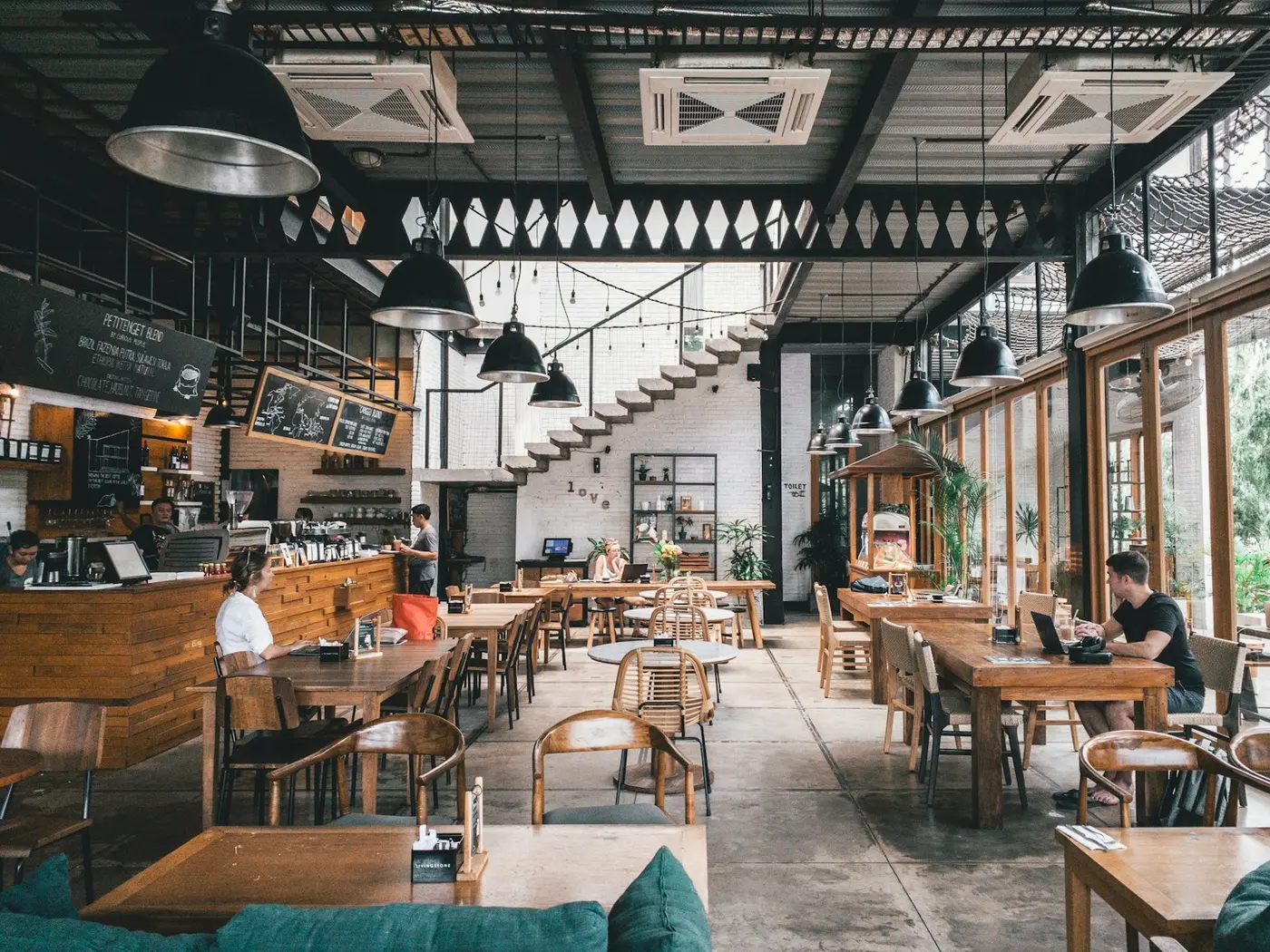
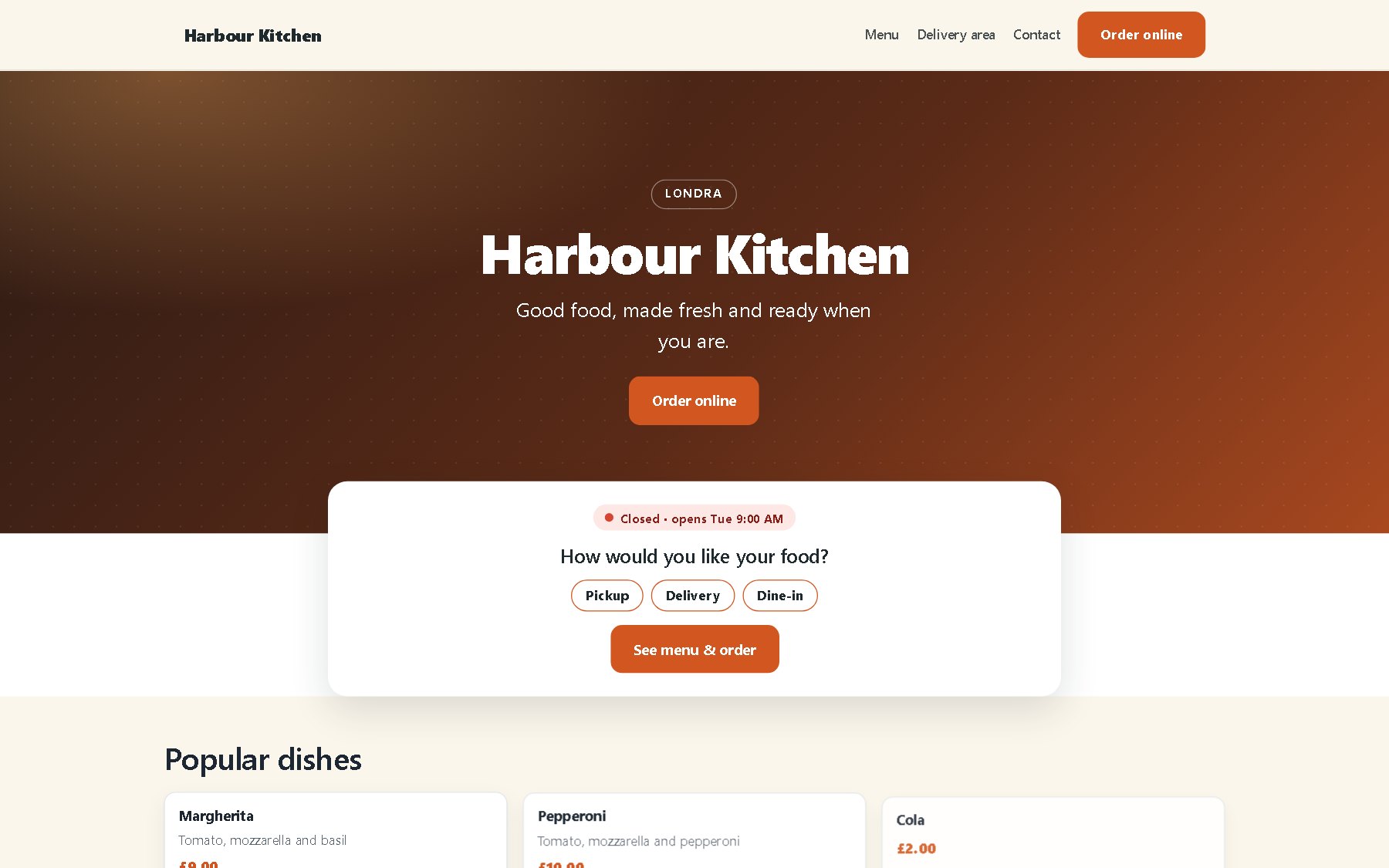
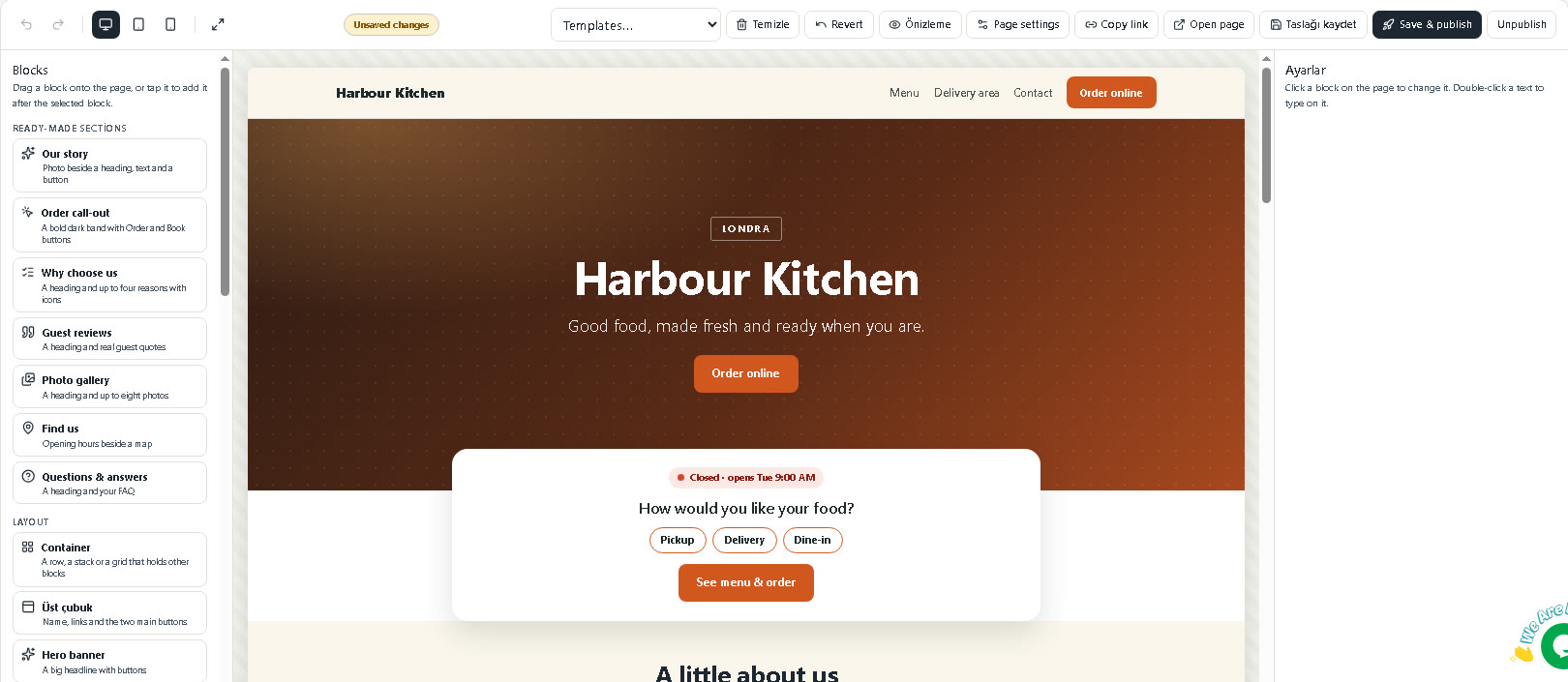
Ready-made sections, SSL included, found on Google.

On the App Store and Google Play, with push offers.
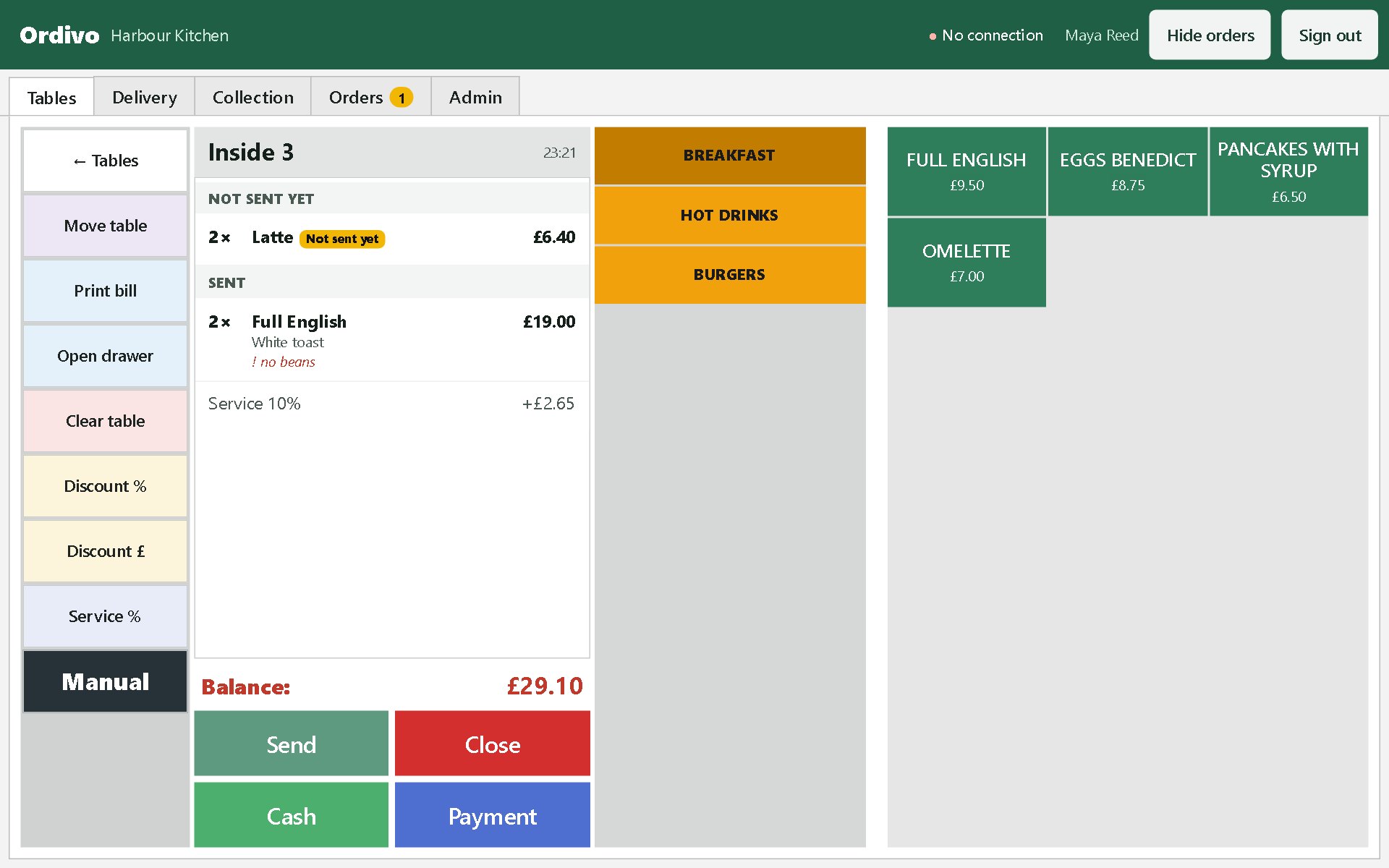
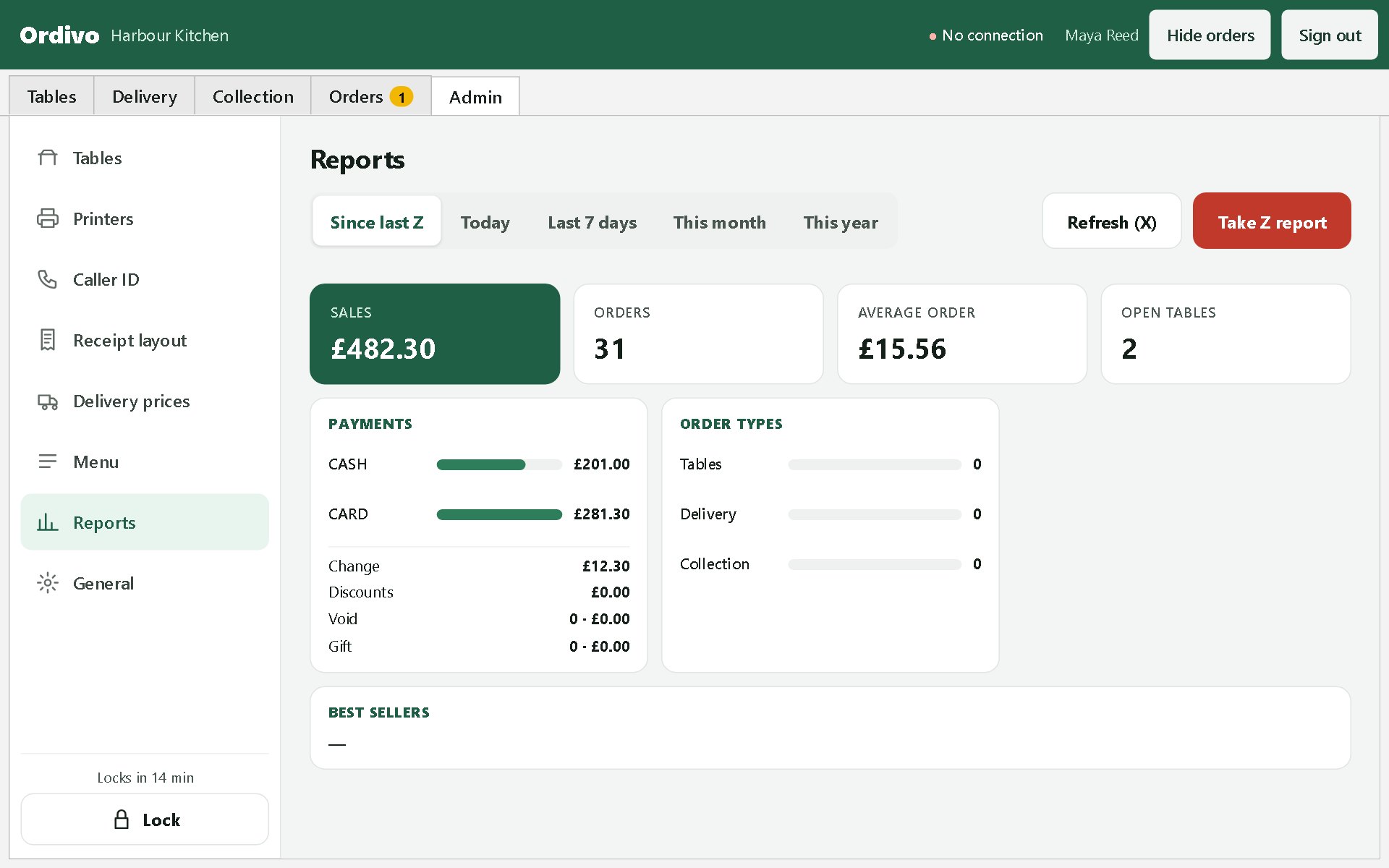
Tables, split bills, cash and card, the Z report.
Follow one order
Menu, extras and a note to the kitchen. Paid online or at the door.
Accept with a prep time. Busy? Pause new orders for twenty minutes.
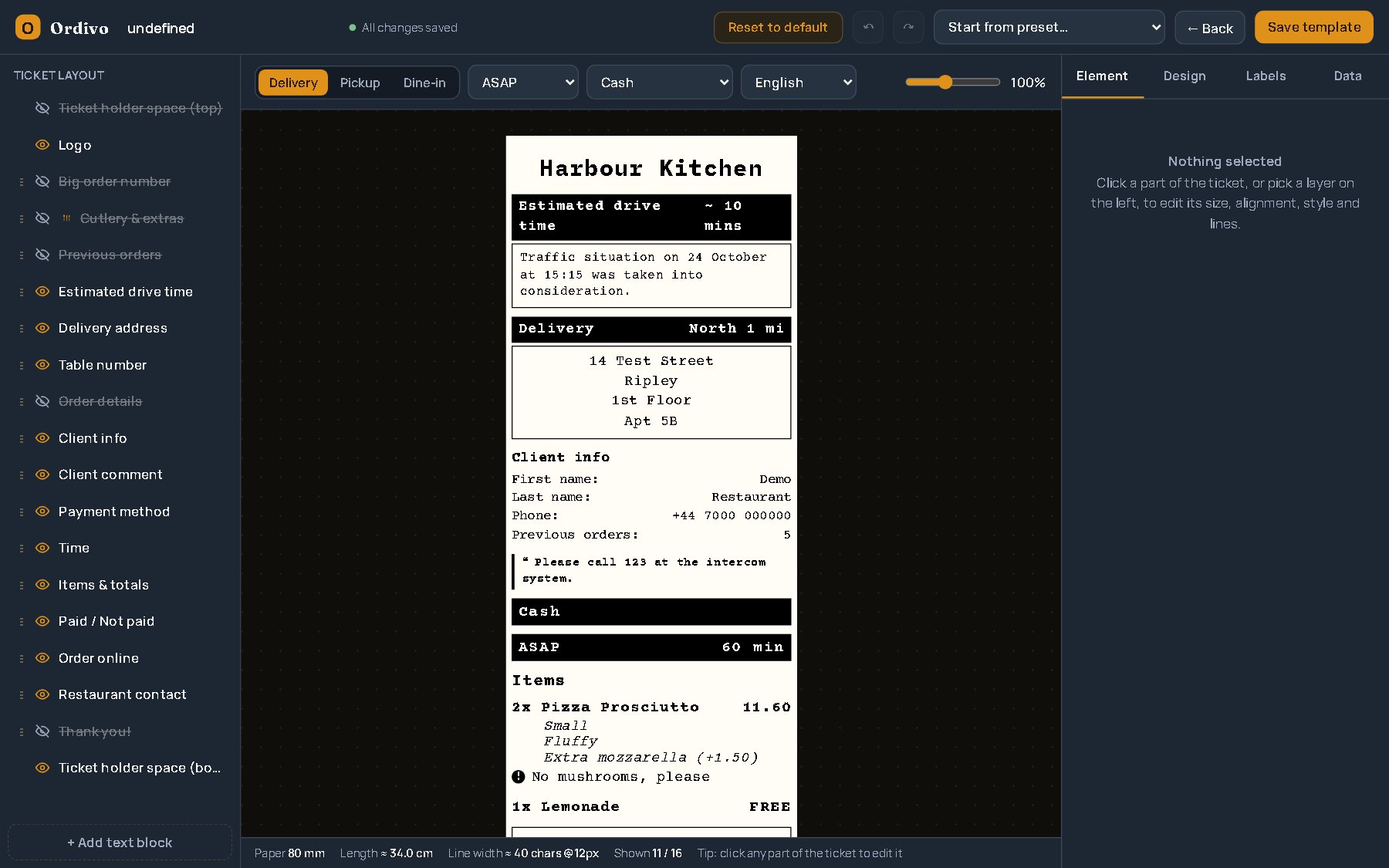
Your layout, your printer. Tables, delivery and collection each look right.
Waiters send rounds from their phones. The till splits bills and closes the day.
See it working
Shown with a demo restaurant and sample sales. Your own menu, tables and numbers appear the same way.
Why your own ordering
Marketplace apps bring orders, but they also take a share of every one and keep the customer. Your own ordering works the other way round.
How it works
Create your restaurant and add opening hours and delivery areas.
Categories, items, extras and photos. Change prices any time.
On your website, Google, social pages and table QR codes.
Orders arrive on the kitchen tablet, printed and ready to go.
Pricing
Website, domain, app & online payments
Add the extras when you need them. Cancel any time; ordering keeps working.
Log in to see plansQuestions
No. Online card payments go through your own Stripe, PayPal or iyzico account, and only the fee of that provider applies.
Yes. Connect a domain you already have, or buy a new one from your panel. SSL is set up for you.
Any Android tablet or phone for the kitchen app. Bluetooth, Wi-Fi and USB receipt printers work, and the EPOS till runs on Windows or Android.
Most restaurants are live the same day: add your address, opening hours, delivery areas and menu, then share your link.
Yes. Upload photos or a PDF of your menu from the panel and we enter it for you.